P1
Modelling
1. Polygon
 Polygons are used to create shapes. This is a model I made in Maya earlier which is a mixture of a lot of edited polygons. A polygon is a shape that is 3 sided or more. In Maya, you take polygons and build them up together to make a 3D shape.
2. Extruding
 Extruding is the movement and editing of an individual shape. Here I created this gear element so that it could go round the sphere. I edited the shape by extruding it and moving certain segments.
3. Faces, Vertices and Edges
 A face is a 2d side. Each of the red areas with green is a face which I have selected you can create faces using eth edge loop tool which can be used to make fine tuning elements. The actual green lines are vertices which can be moved and changed which changes the size of the shape. The edges are the same as vertices but are where two faces meet rather than two lines.
Animation generation
1. Keyframes
 Keyframes are used to move elements within a model to create movement. They are easy to use once you get the hang of them and little movements are always best. In Maya, you use them to animate segments of your creation.
2. Lighting
 Lighting is used to highlight certain aspects. You can change lighting types and angles with certain controls which you can find in lighting. You can also have multiple lights at the same time to create the right effect.
3. Camera

The camera is used to make a certain perspective when animating. You select panels-perspective-camera(whatever number) to make the viewpoint the camera when you're trying to move things. You can also change the angle and positioning with the camera easily.
Intended application
1. Application within films

2. Application within games

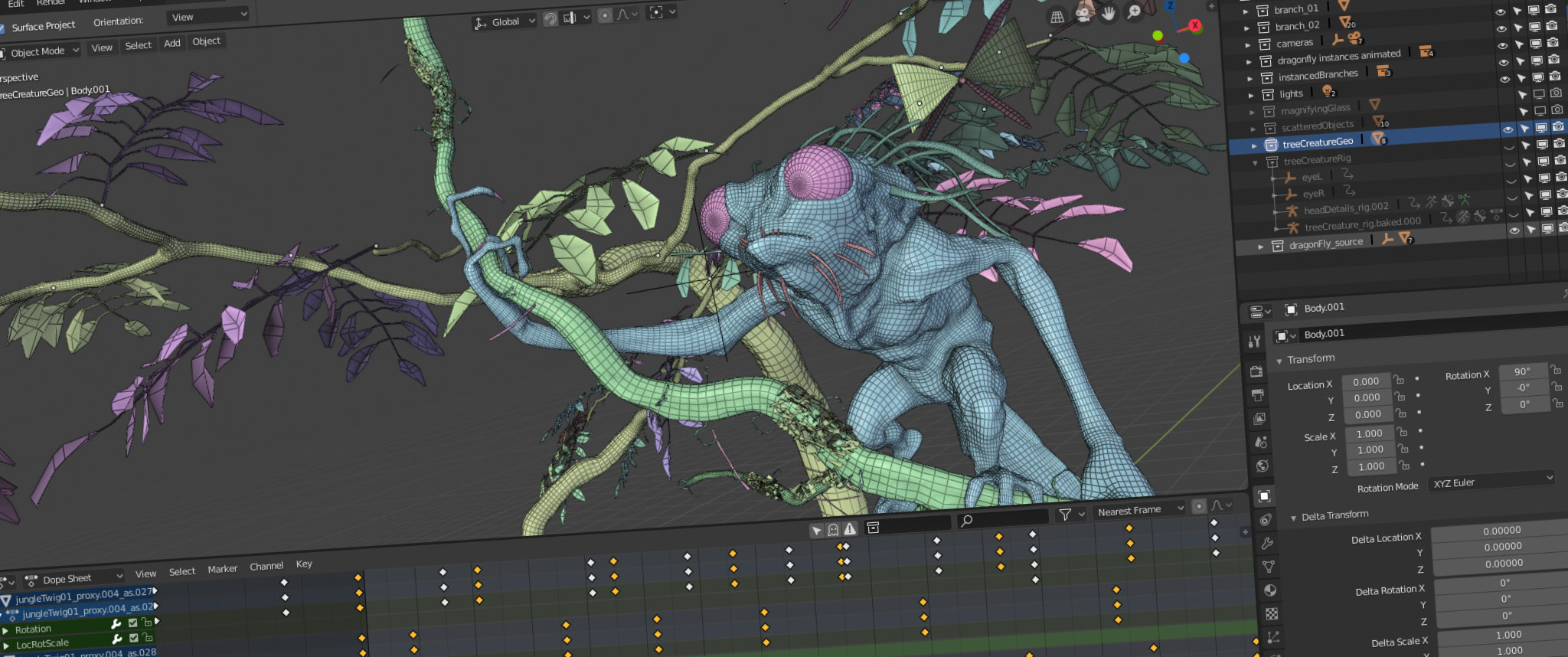
TV shows use Maya and other VFX software to create the correct animation. this one was made to create the story and to give a look at the scenery.
1. Polygon
3. Faces, Vertices and Edges
Animation generation
1. Keyframes
2. Lighting
3. Camera
The camera is used to make a certain perspective when animating. You select panels-perspective-camera(whatever number) to make the viewpoint the camera when you're trying to move things. You can also change the angle and positioning with the camera easily.
Intended application
1. Application within films
VFX is used a lot within films. This VFX short (above) shows the modelling and texturing of the Millennium Falcon within the 7th star wars movie. We will be using Maya to make the inside of a ship like the Millenium Falcon.
This is an explosion from one of the Call of Duty games which was created within Maya. It shows the destruction of the building which adds detail to the storyline and a more professional effect.
3. Application within tvTV shows use Maya and other VFX software to create the correct animation. this one was made to create the story and to give a look at the scenery.